


WINBOX LOGIN
Open the Winbox H5 player portal and sign in with your existing account. Access the browser version or follow the app download guide.
Enter your account details on the Winbox member platform.
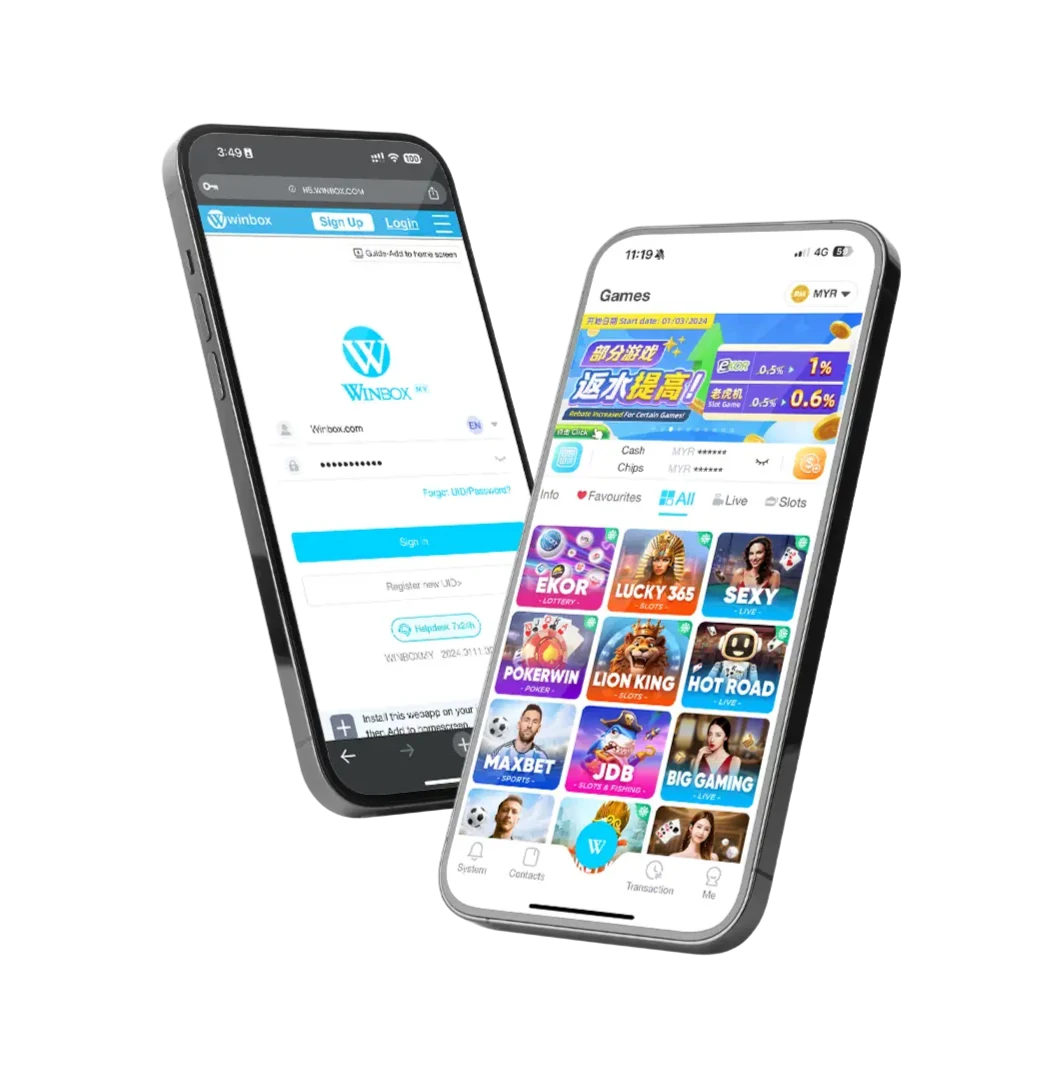
Member access
How to log in to Winbox
Open Winbox H5
Open the Winbox player portal in a new tab.
Enter your account details
Use the username and password you registered with Winbox.
Continue to your account
Complete any checks requested on the login screen before continuing.
Login help
Problems signing in?
My username or password is not accepted.
Check the details you registered with, including accidental spaces or a saved password from another account. If you cannot remember the password, use the recovery option on the member platform.
I cannot complete password recovery.
Follow the recovery method shown on the login screen. If you no longer have access to the registered contact details, ask customer service about account recovery.
The H5 page will not load.
Try opening the member link in your usual browser instead of an in-app browser. Check the connection and any maintenance notice. If it still fails, send support the error message and your device/browser details.
My account shows a verification or restriction message.
Follow the specific request shown in the account. The verification guide explains the illustrated process. A restriction that remains after completing the request needs customer-service assistance.
Do I need a different account for the app?
Use your existing Winbox account details. The download page explains app and H5 access; registration is for new accounts.
